Start Pack ReTitle Workflow
Start Pack ReTitle Workflow in Sermonbox Application
This tutorial guides you through starting a Pack ReTitle in Sermonbox
Go to sermonbox.com
1. Introduction
You will learn how to select retitle options, choose products, enter new titles and timings, add notes, and add your request to the cart. Before starting, ensure you have access to Sermonbox and the necessary product information. Nearly all Sermon Series Packs, Bumper Videos, and Title packs are eligible for ReTitles.

2. Find your desired Series, Bumper, or Title Pack
Choose the pack you'd like to ReTitle.
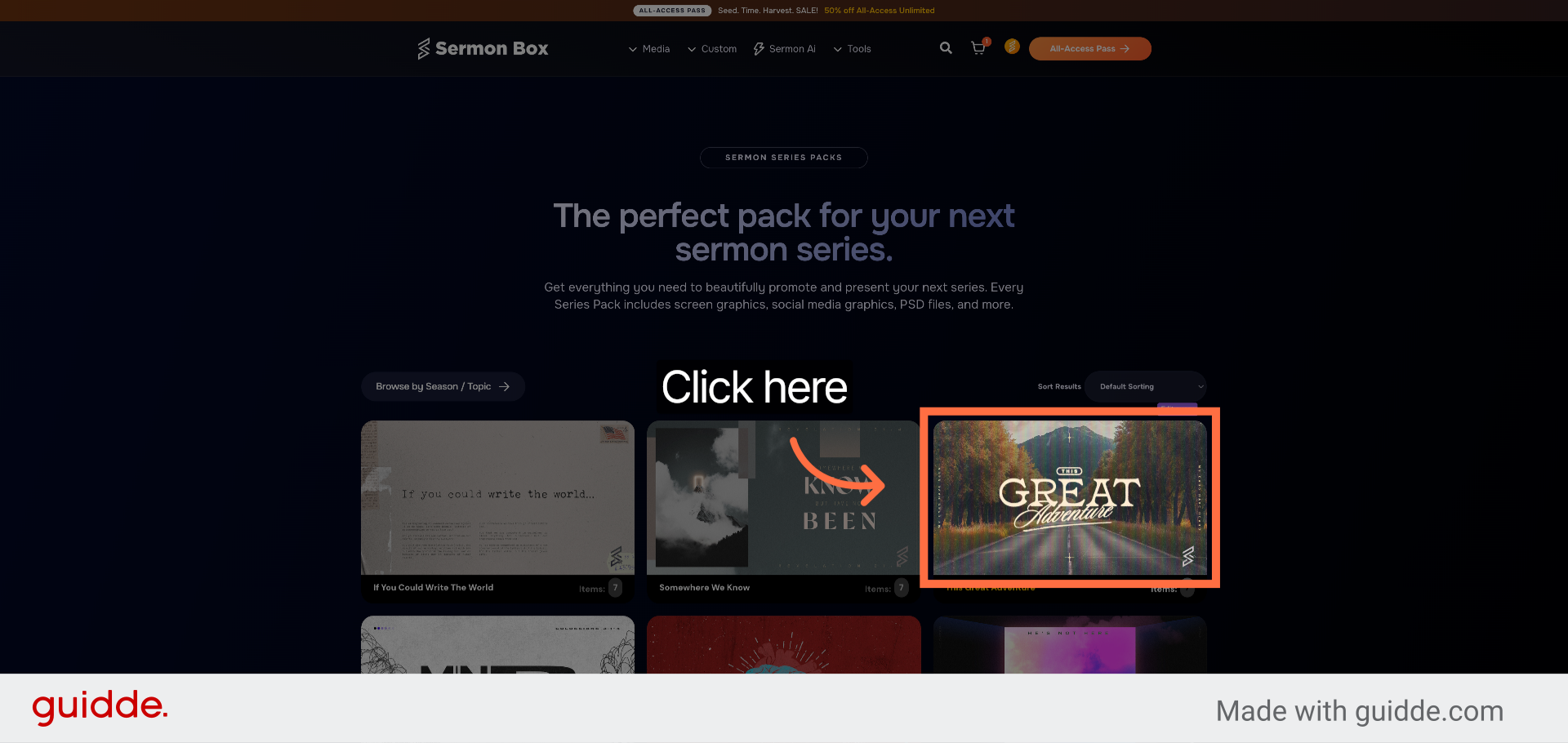
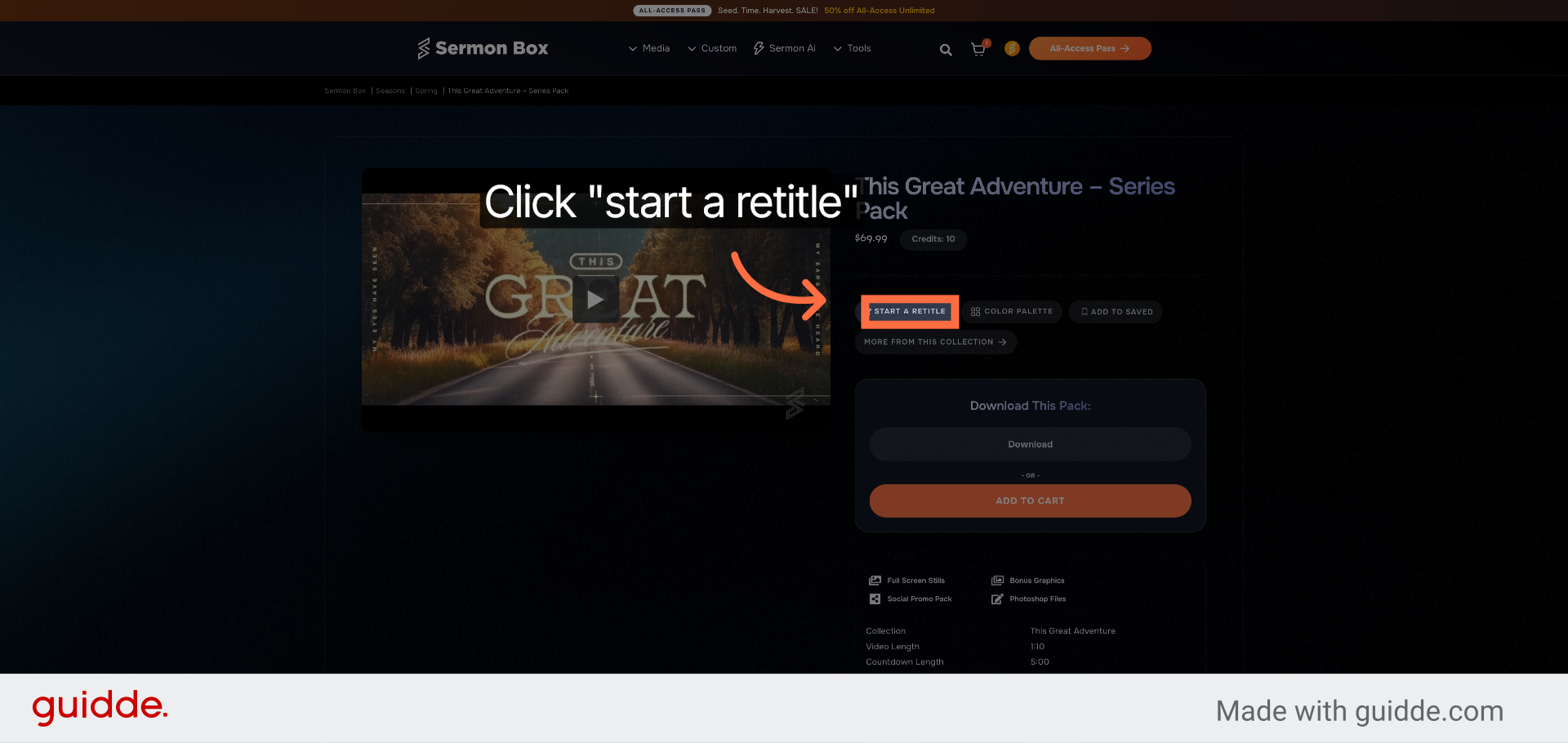
3. Click Start a Retitle Option
Click "start a retitle" to initiate the retitling workflow. Take note of the Item Number in the Pack Details Section.
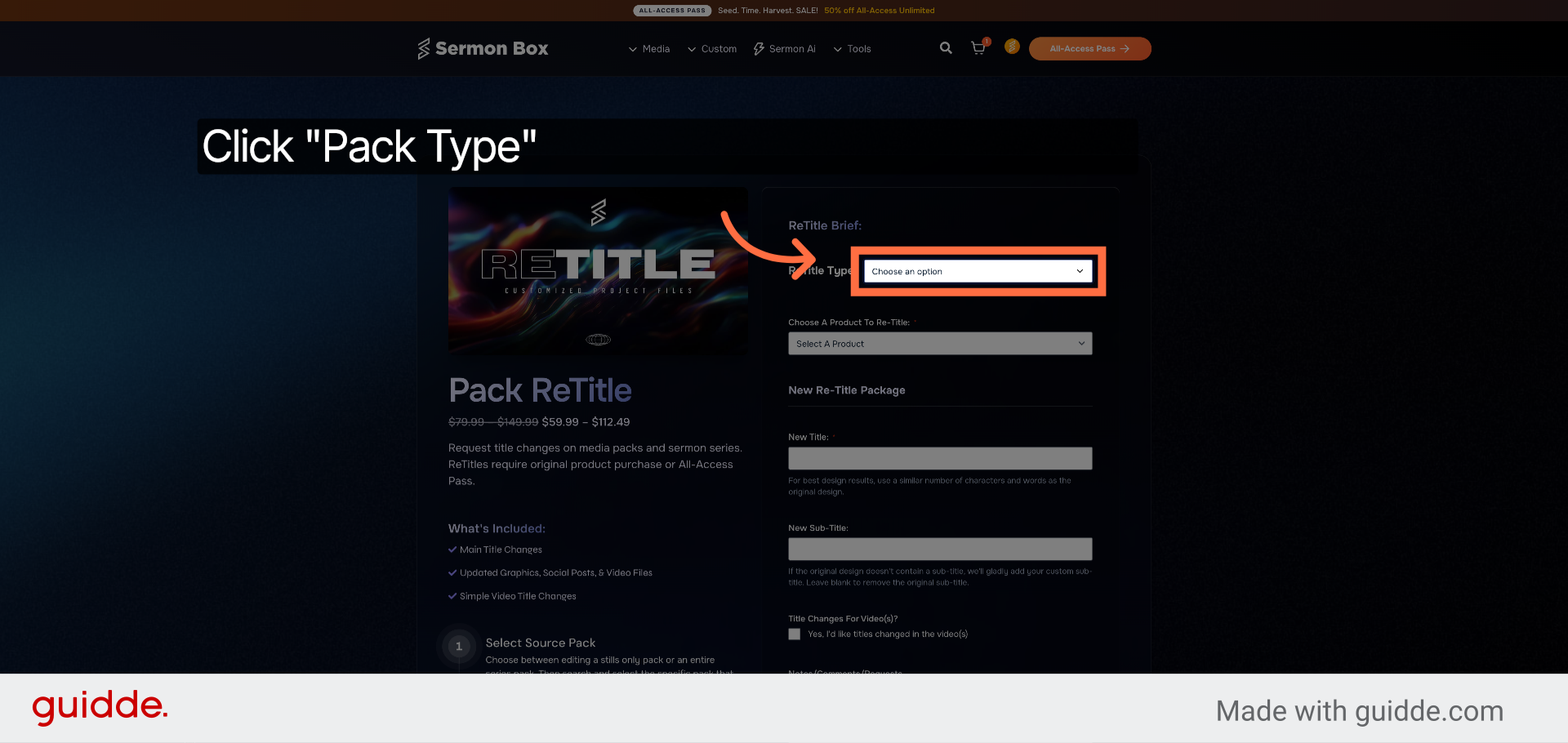
4. Select Retitle Option Type
Click your desired pack type. Series pack for the entire series or bumper video. Or select Stills Only for Title Packs.
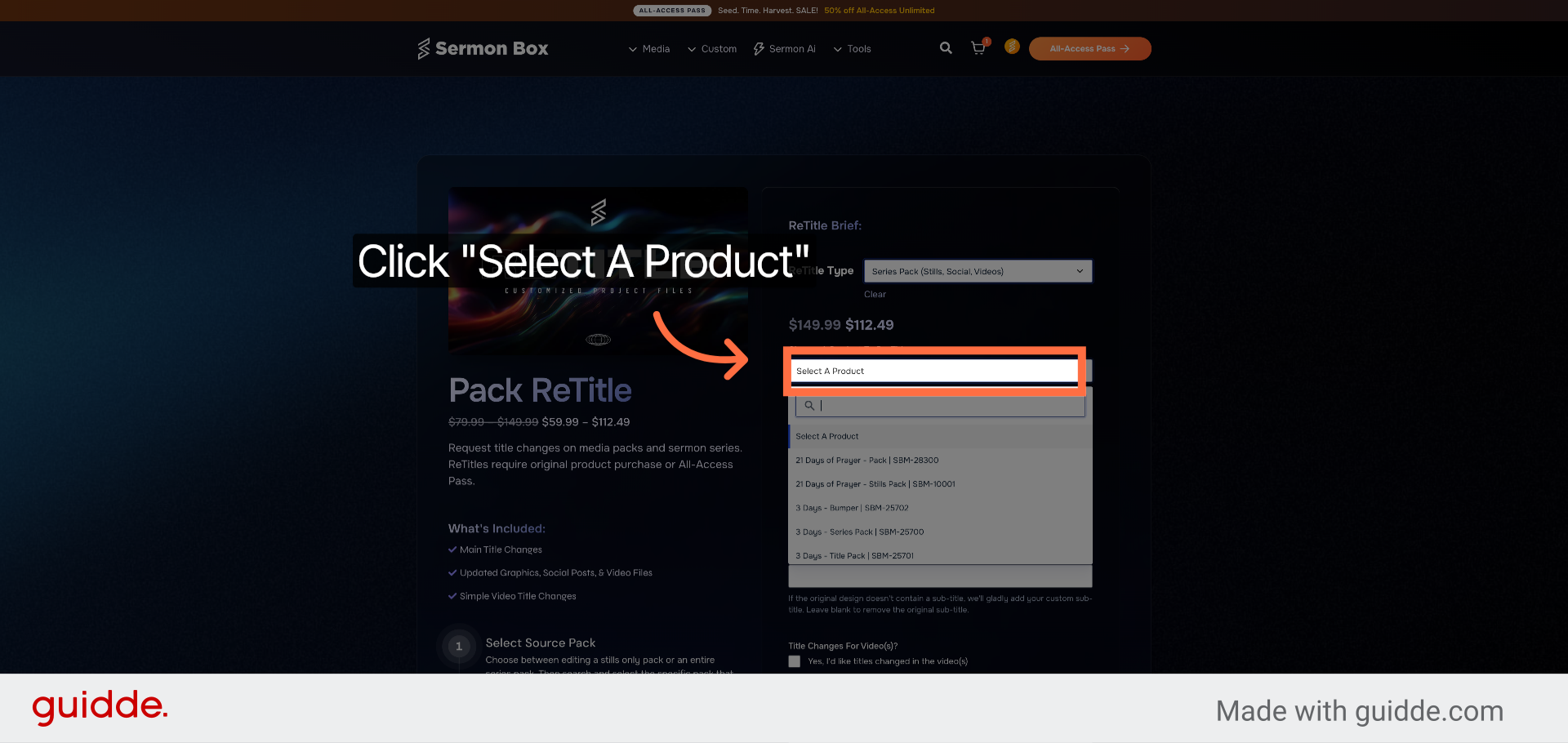
5. Click Select A Product
Click "Select A Product" to choose the product associated with your retitle. You can search by Pack Name or the noted Item number.
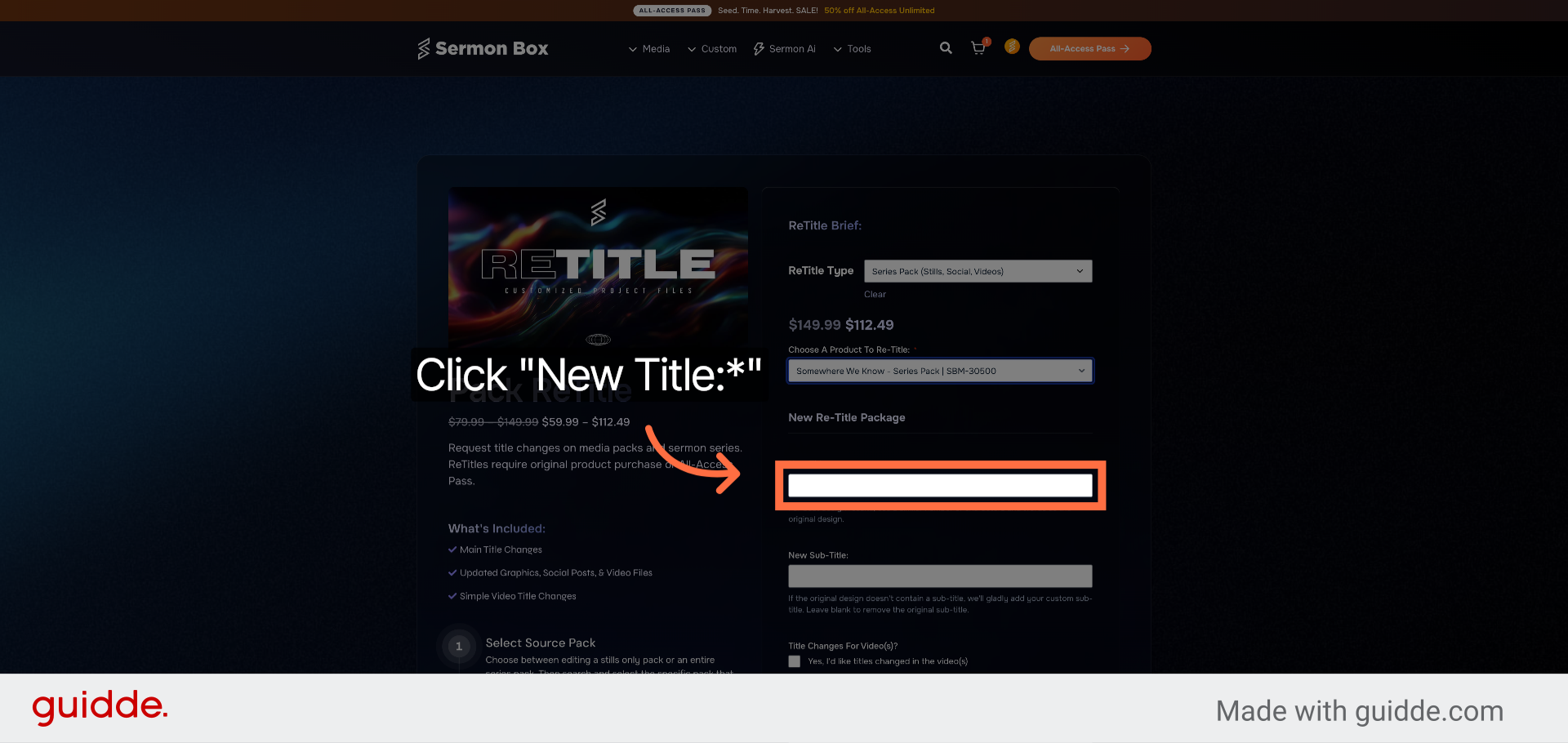
6. Choose your New Title
Click "New Title:" and Enter the title you'd like your pack changed to. For best results, ensure your new title has roughly the same number of characters and/or words for matching.
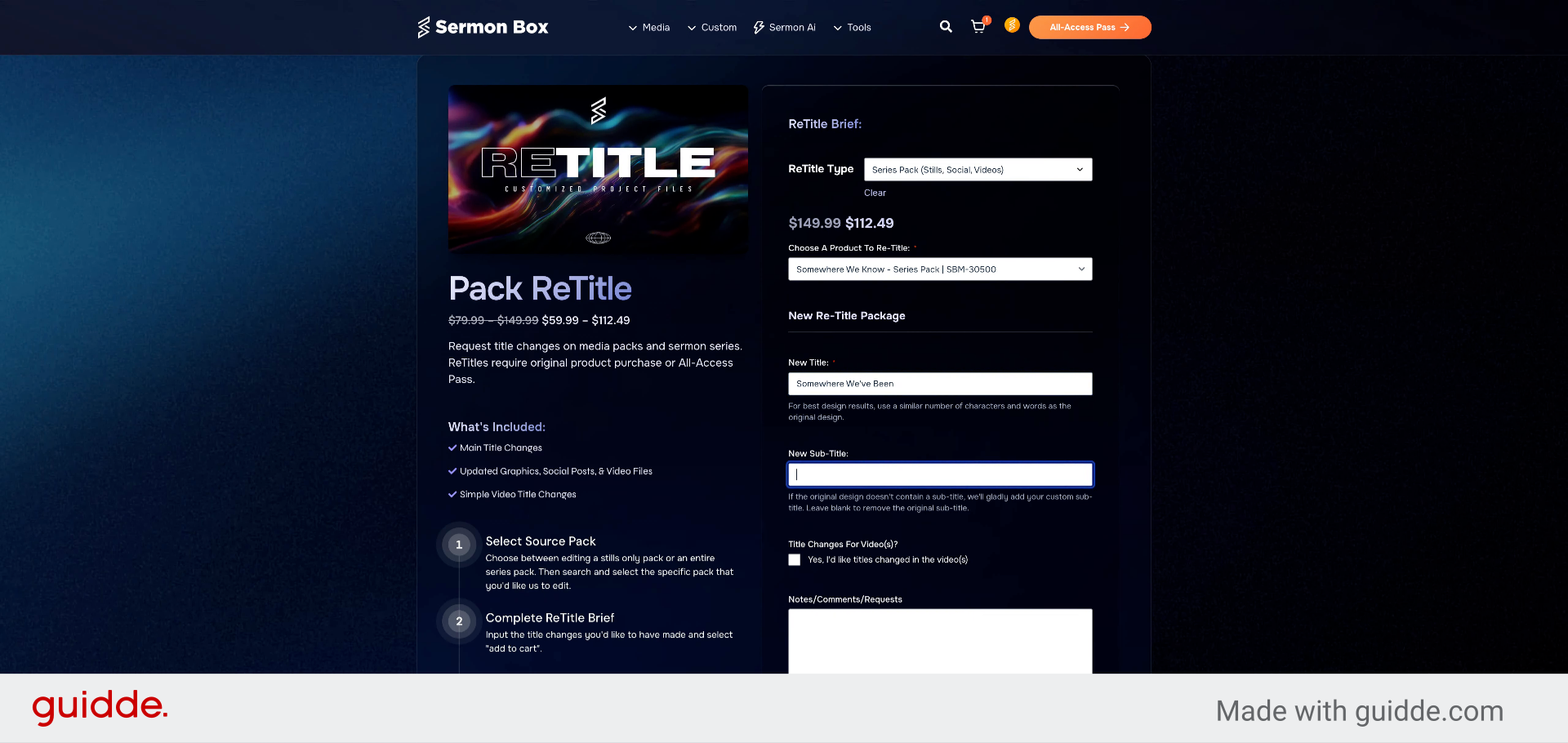
7. Choose a Sub-Title
FIll in the optional sub-title field with your desired sub-title or accent text.
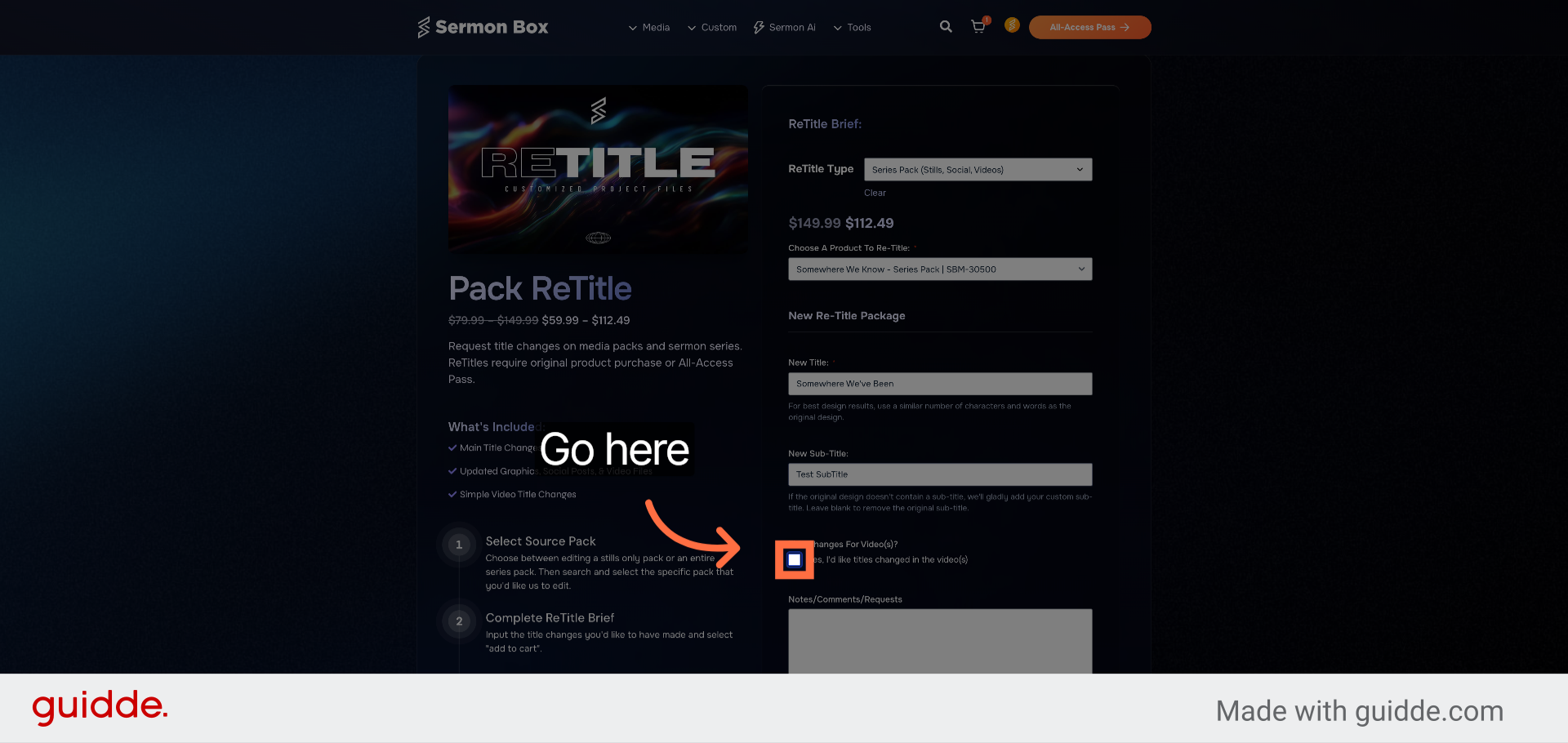
8. Select Video Title Changes
Select whether you'd like to make title changes to the video designs as well.
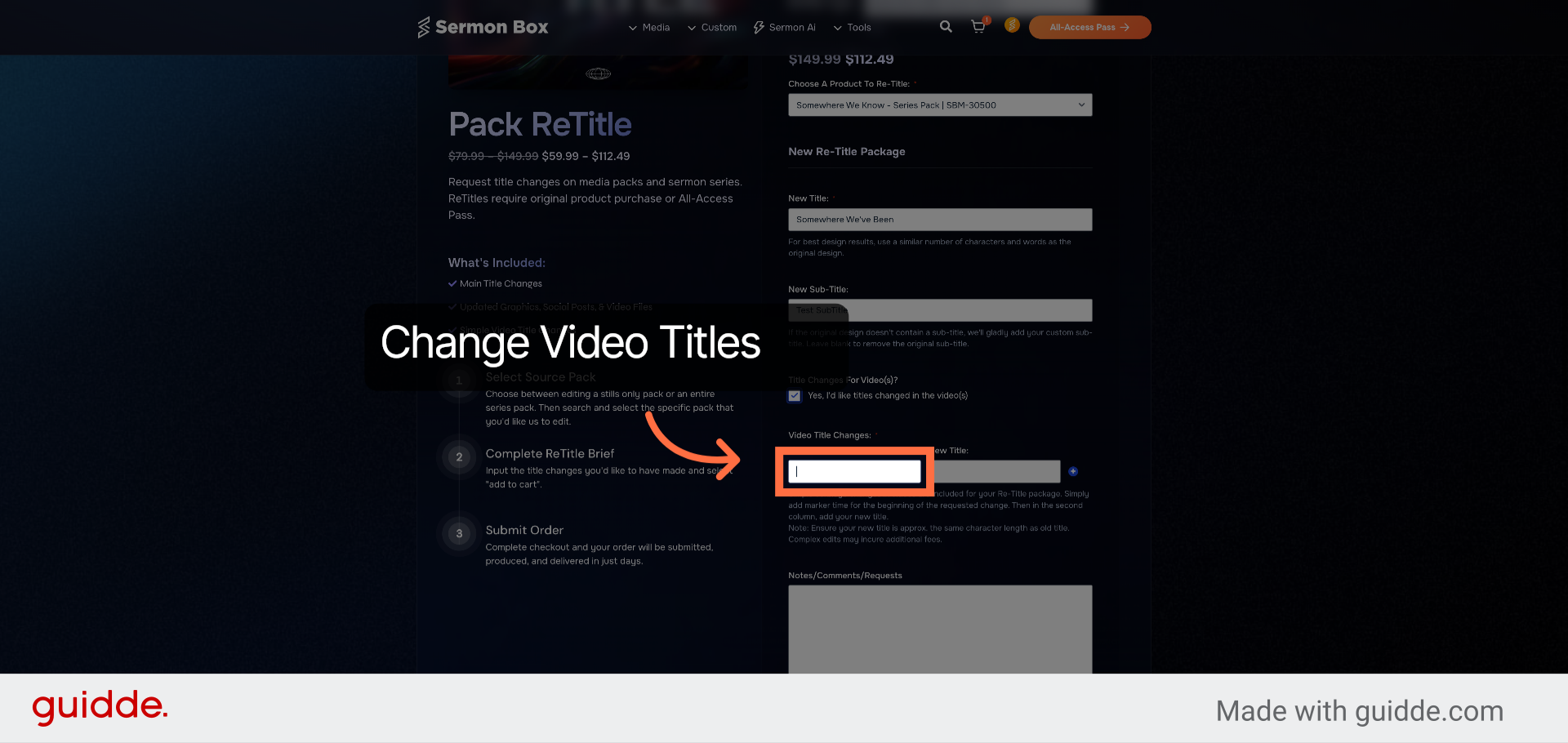
9. Video Title Change Times
Enter the time code for your desired title change from the video. For Example: Title Change 1 begins at 5 seconds. We'll Enter 0:05.
10. Enter New Video Titles
Type your new video title for the selected timecode. For best results, ensure your new title has roughly the same number of characters and/or words for matching.
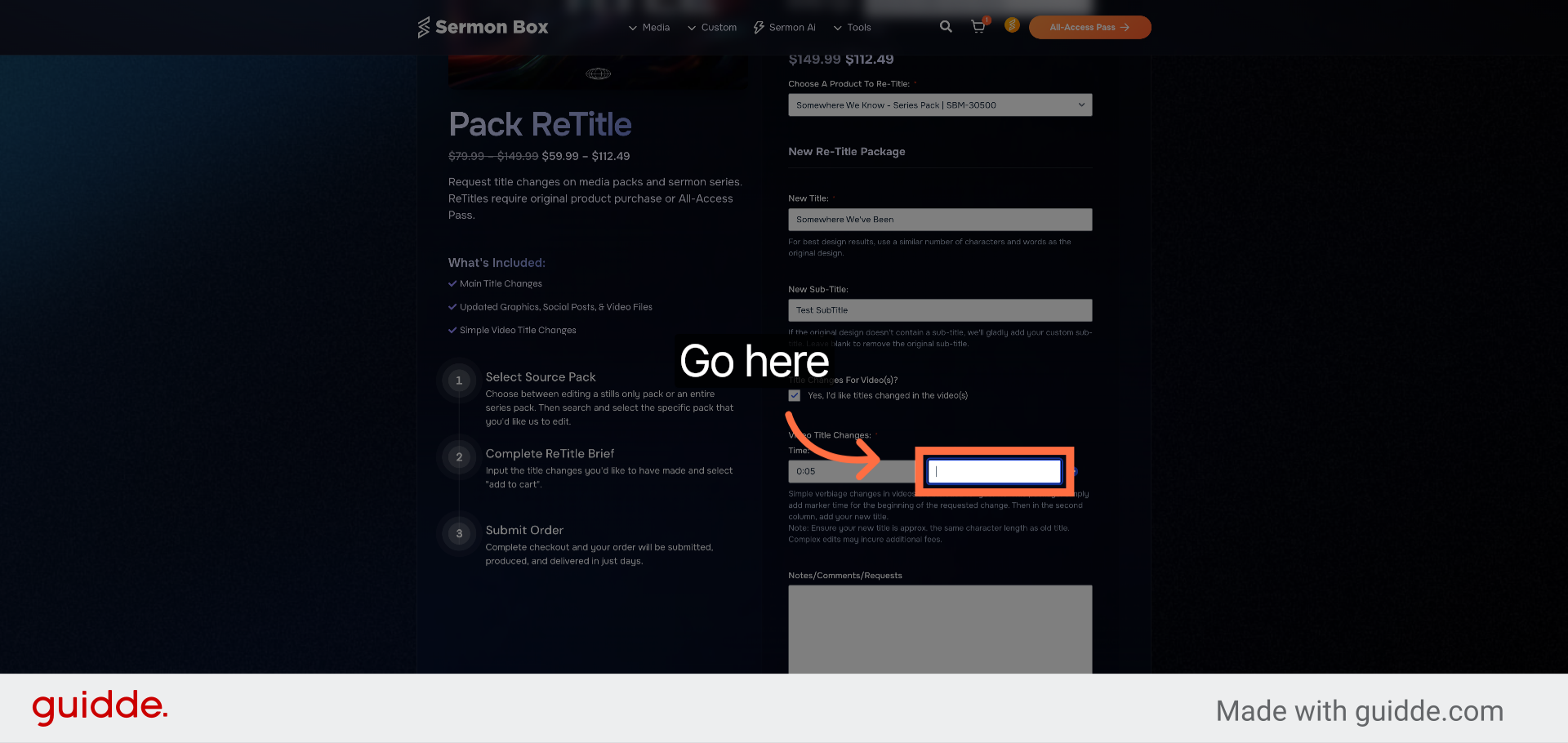
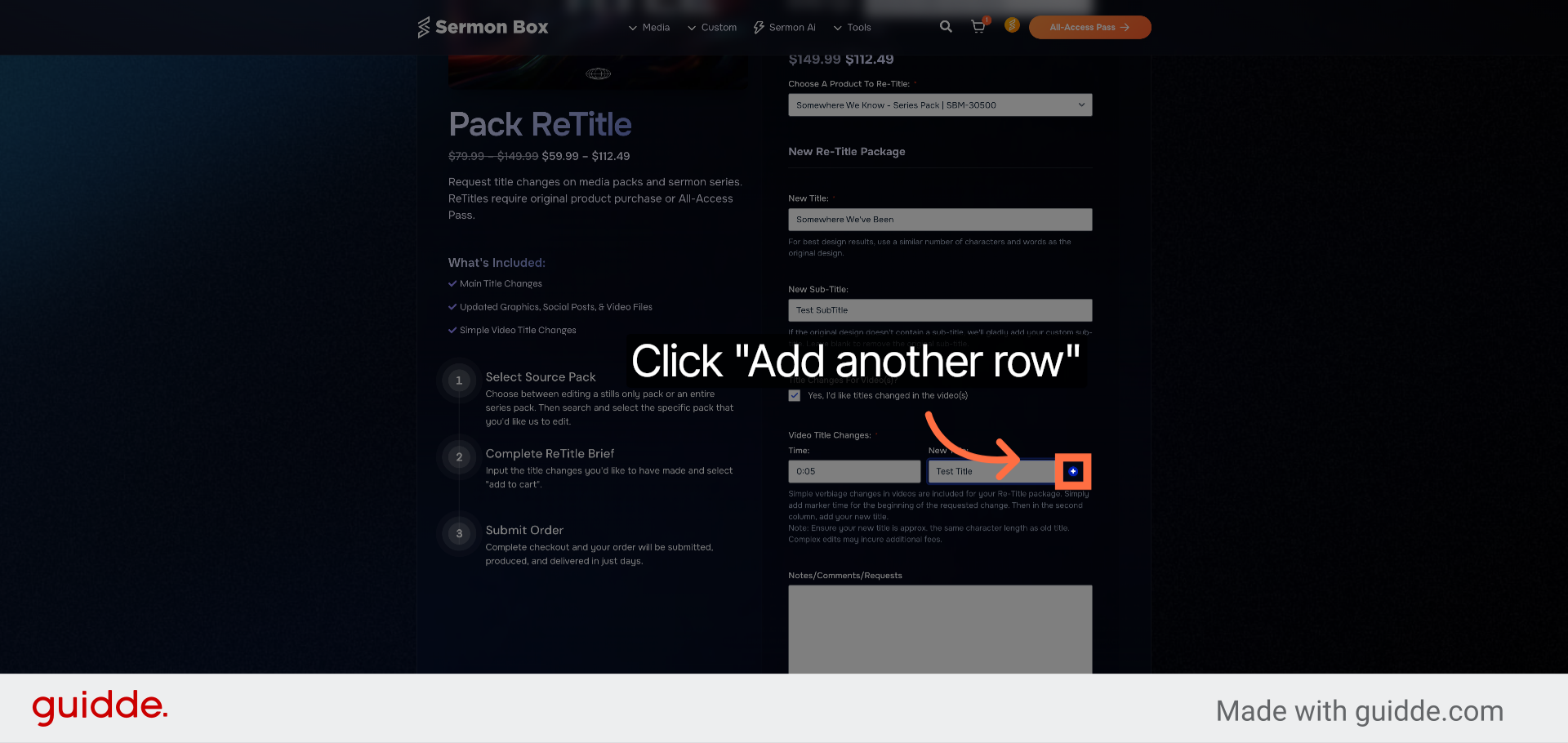
11. Add Additional Title Changes
Repeat the process for additional titles you'd like changed in the video.
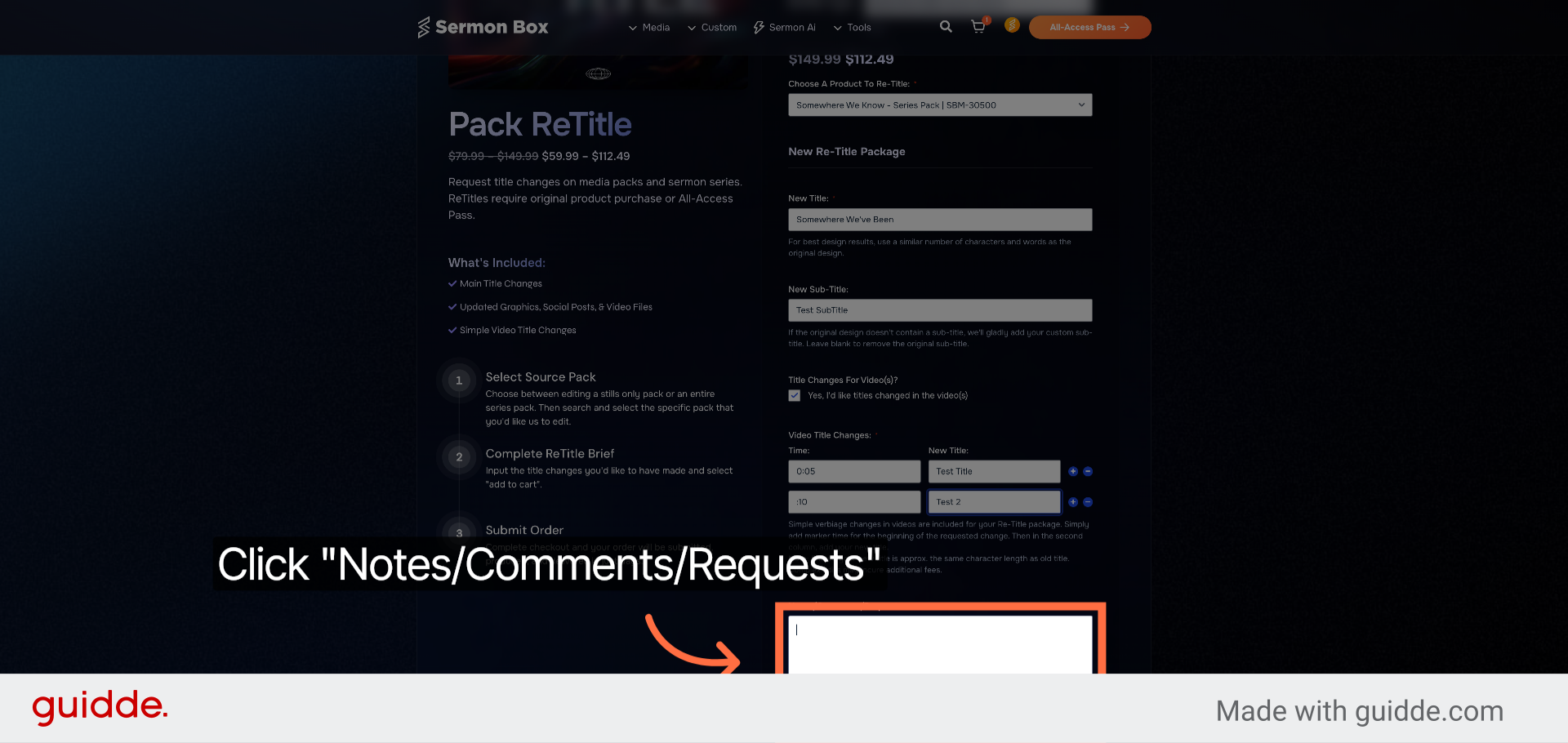
12. Click Notes/Comments Section
Click "Notes/Comments/Requests" to add any additional information or requests.
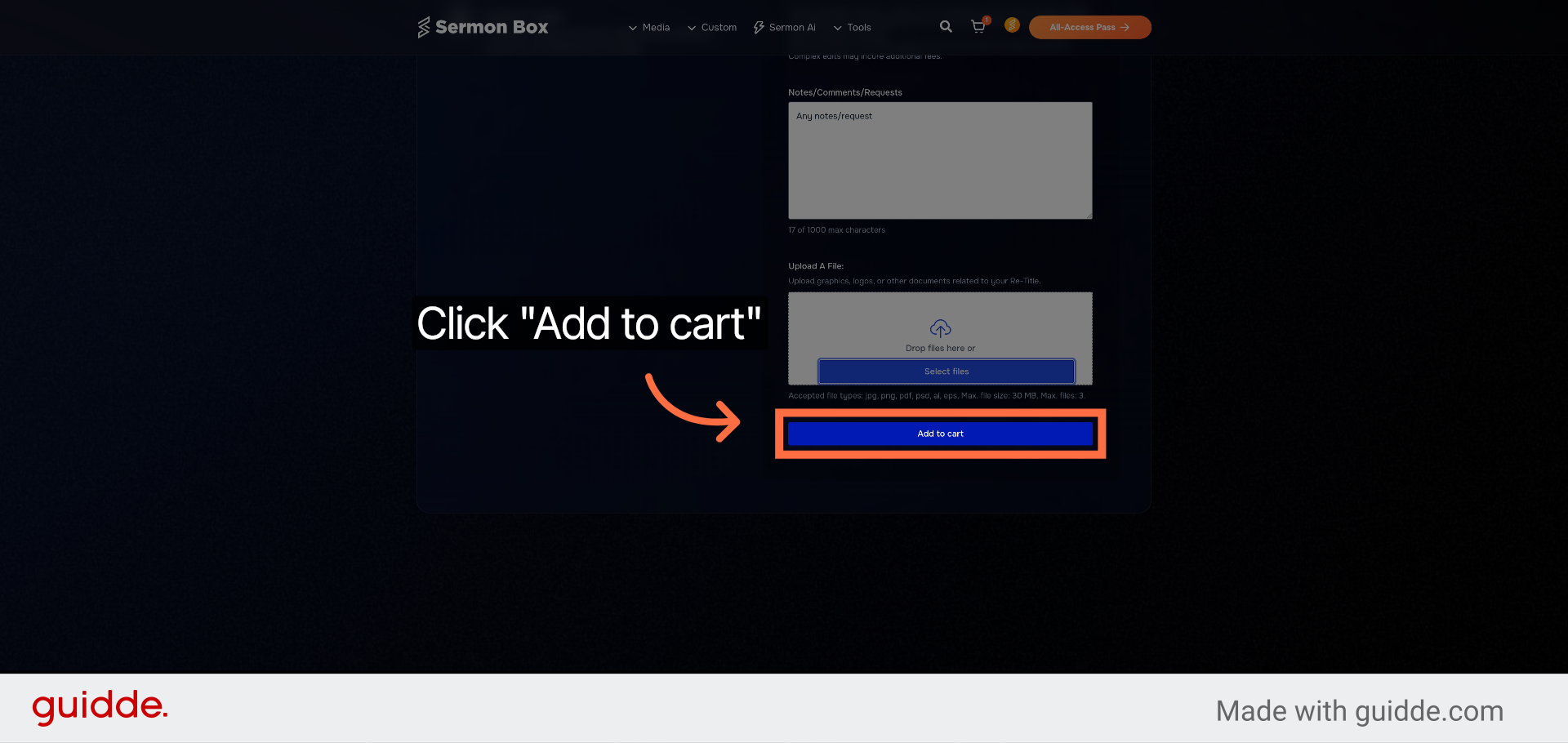
13. Click Add to Cart Button
Click "Add to cart" to add your retitle request to the shopping cart and proceed.
You have successfully started a Pack ReTitle by selecting the appropriate options, entering new titles and timings, adding notes, and adding the request to your cart. To complete the process, review your cart and proceed with checkout or make further adjustments as needed.
Related Articles
Making Edits To Videos
We've got a couple options as far as making edits: After Effects Files We'd be happy to provide the AE files for making edits on your own if you're familiar with After Effects. We don't typically make these files available on the the site due to ...Submit Custom Sermon Series Order Using Sermonbox
Submit Custom Sermon Series Order Using Sermonbox This tutorial guides you through submitting a custom sermon series order using Sermonbox Go to sermonbox.com 1. Introduction Before starting, ensure you have your sermon details and preferences ready ...Download All-Access Packs Efficiently in Sermonbox
Download All-Access Packs Efficiently in Sermonbox This tutorial guides you through downloading all-access packs in Sermonbox Go to sermonbox.com 1. Introduction Before starting, ensure you have an active account and access to the Sermonbox platform. ...Access and Generate Sermon Notes
Access and Generate Sermon Notes in Sermonbox This tutorial guides you through accessing the Sermon Notes module in Sermonbox, enabling you to view and generate sermon notes efficiently Go to sermonbox.com 1. Introduction Before starting, ensure you ...Access & Generate Using SermonAi
Access And Create Sermon Series Using SermonAi This tutorial guides you through accessing SermonAi in Sermonbox and creating a customized 4-week sermon series with supporting devotional content Go to sermonbox.com 1. Introduction Before starting, ...