Access & Generate Using SermonAi
Access And Create Sermon Series Using SermonAi
This tutorial guides you through accessing SermonAi in Sermonbox and creating a customized 4-week sermon series with supporting devotional content
Go to sermonbox.com
1. Introduction
Before starting, ensure you have your Sermonbox login credentials ready to access the platform.
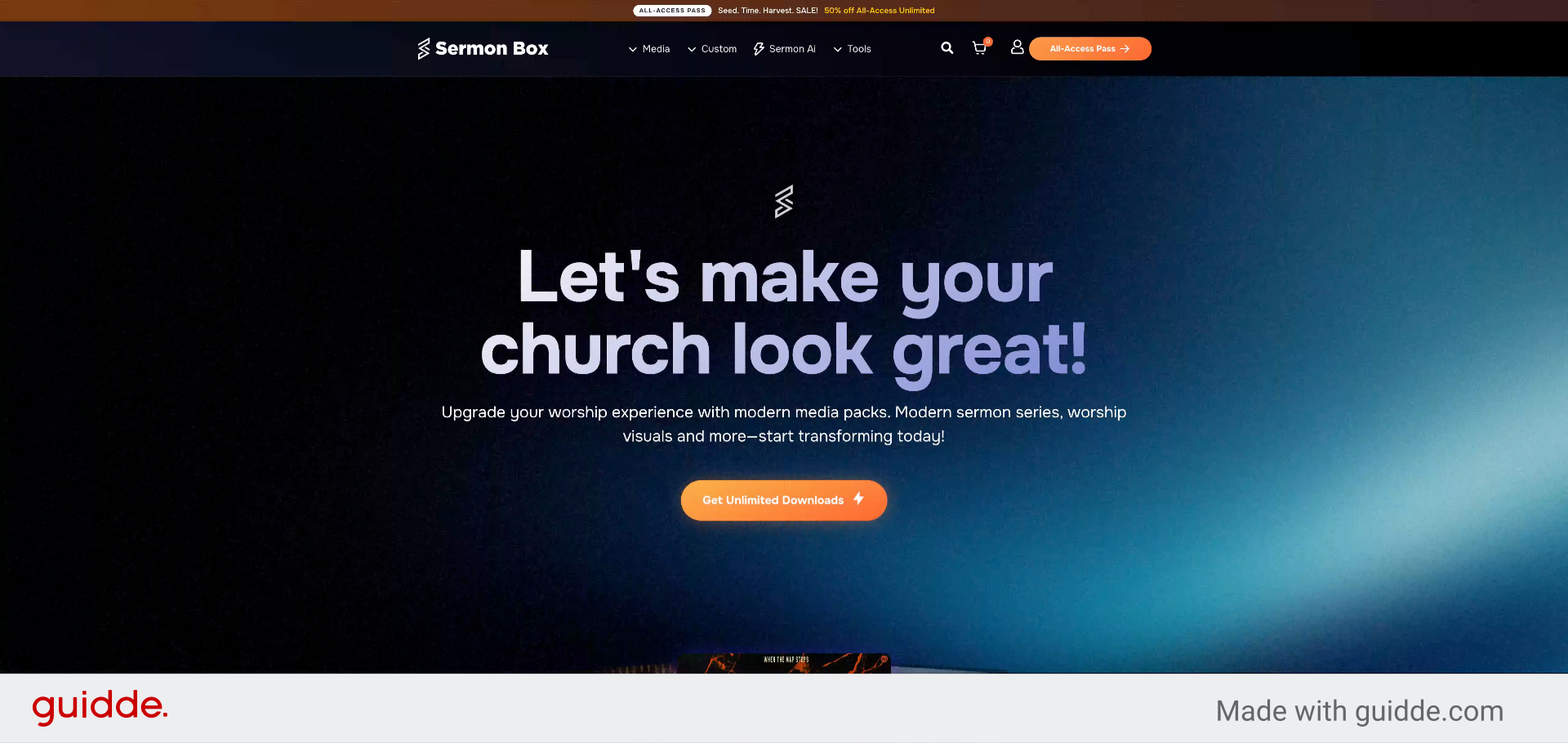
2. Open Sermonbox Application
Click here to open the Sermonbox application and begin the process.

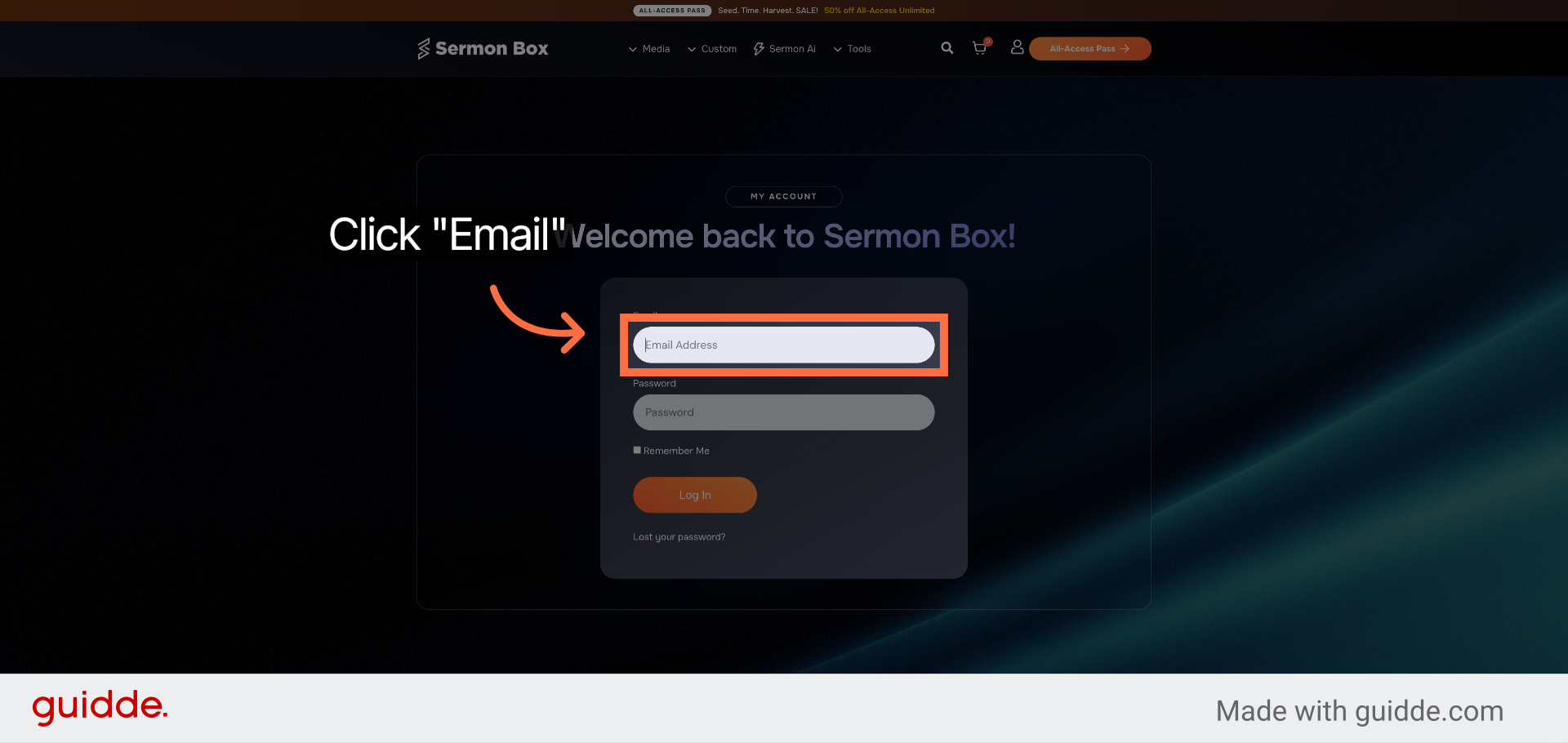
3. Enter your login details, Click Login
Click "Email" to choose the email login method for accessing your account.
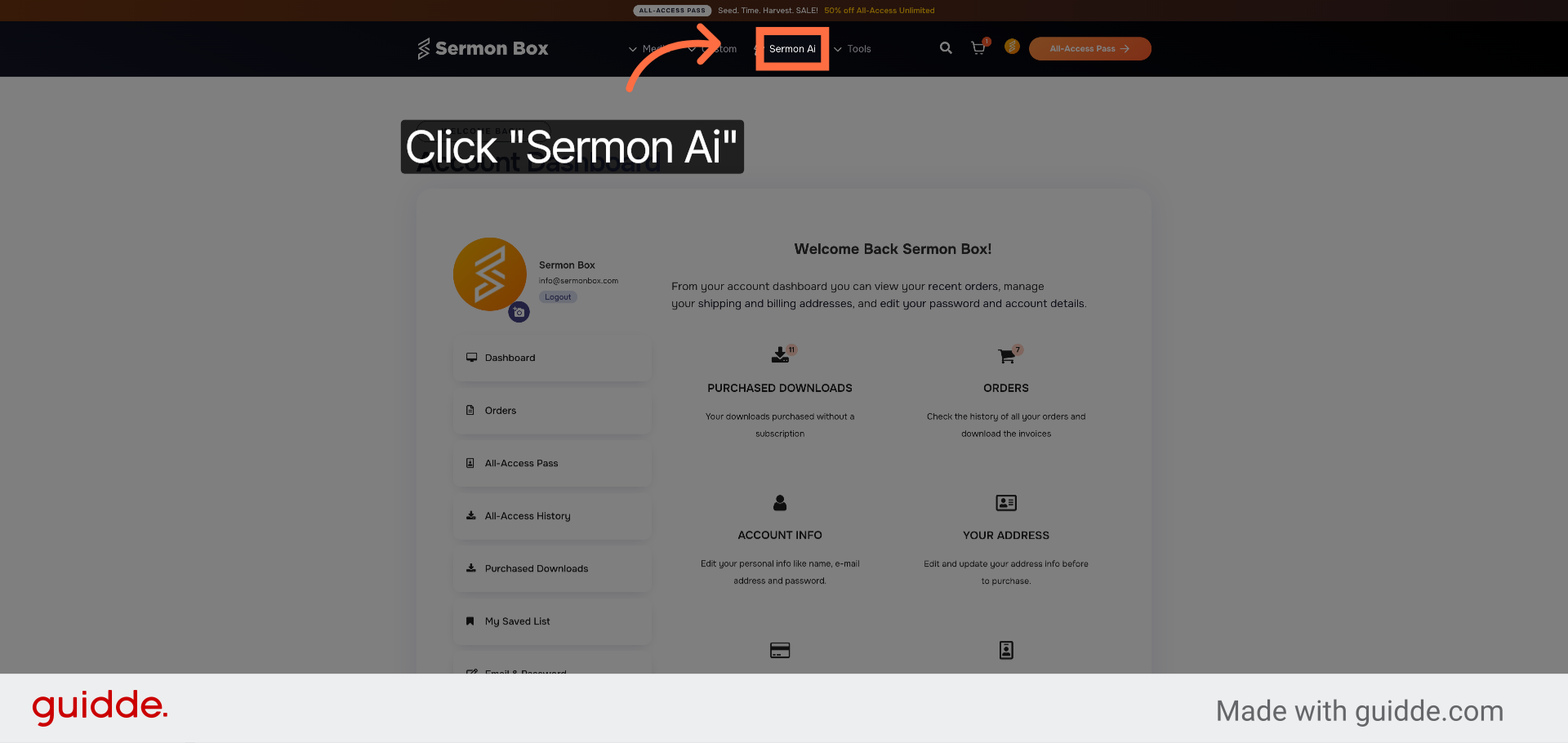
4. Access Sermon Ai Feature
Click "Sermon Ai" to open the SermonAi tool within Sermonbox.
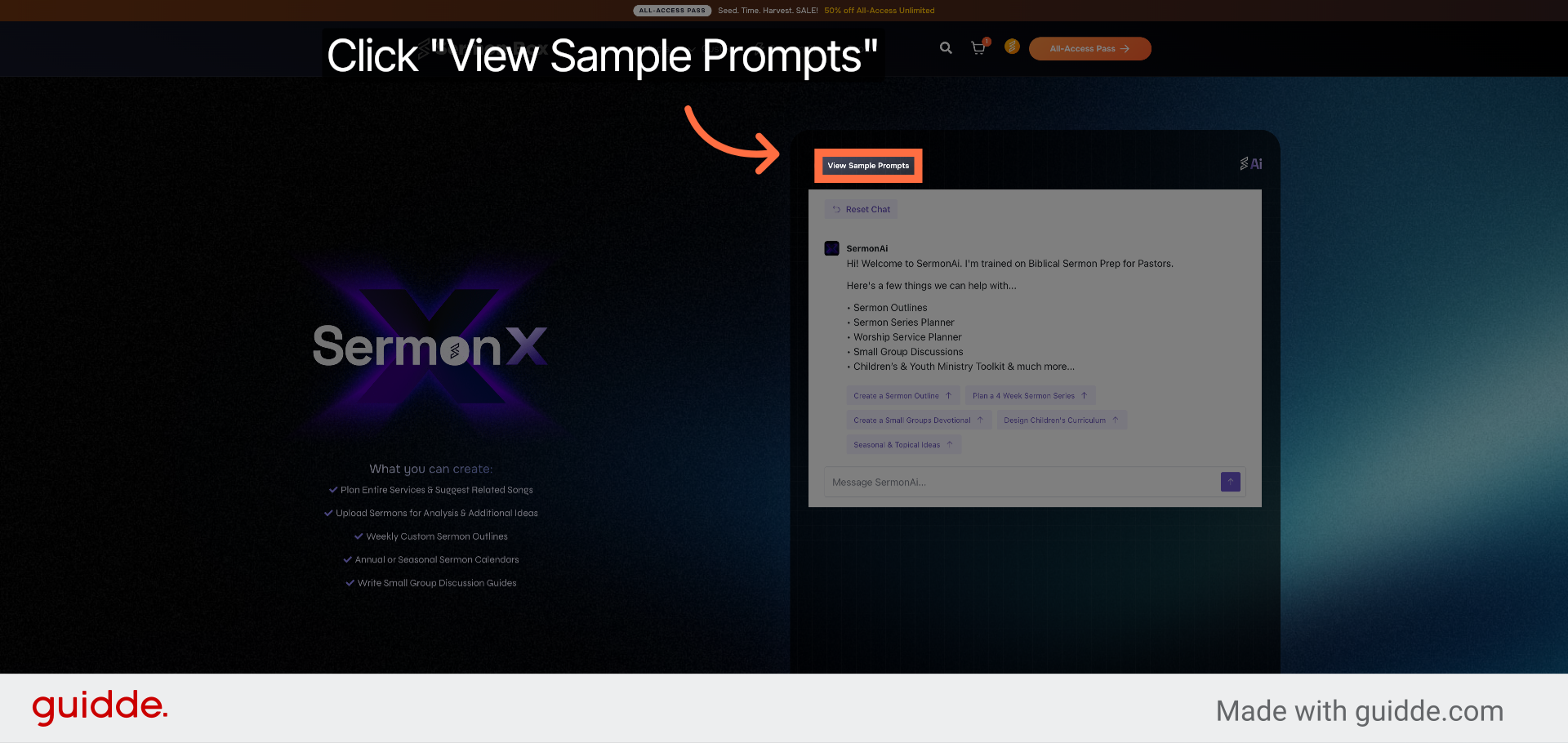
5. View Sample Prompts
Click "View Sample Prompts" to explore example sermon prompts provided by SermonAi.
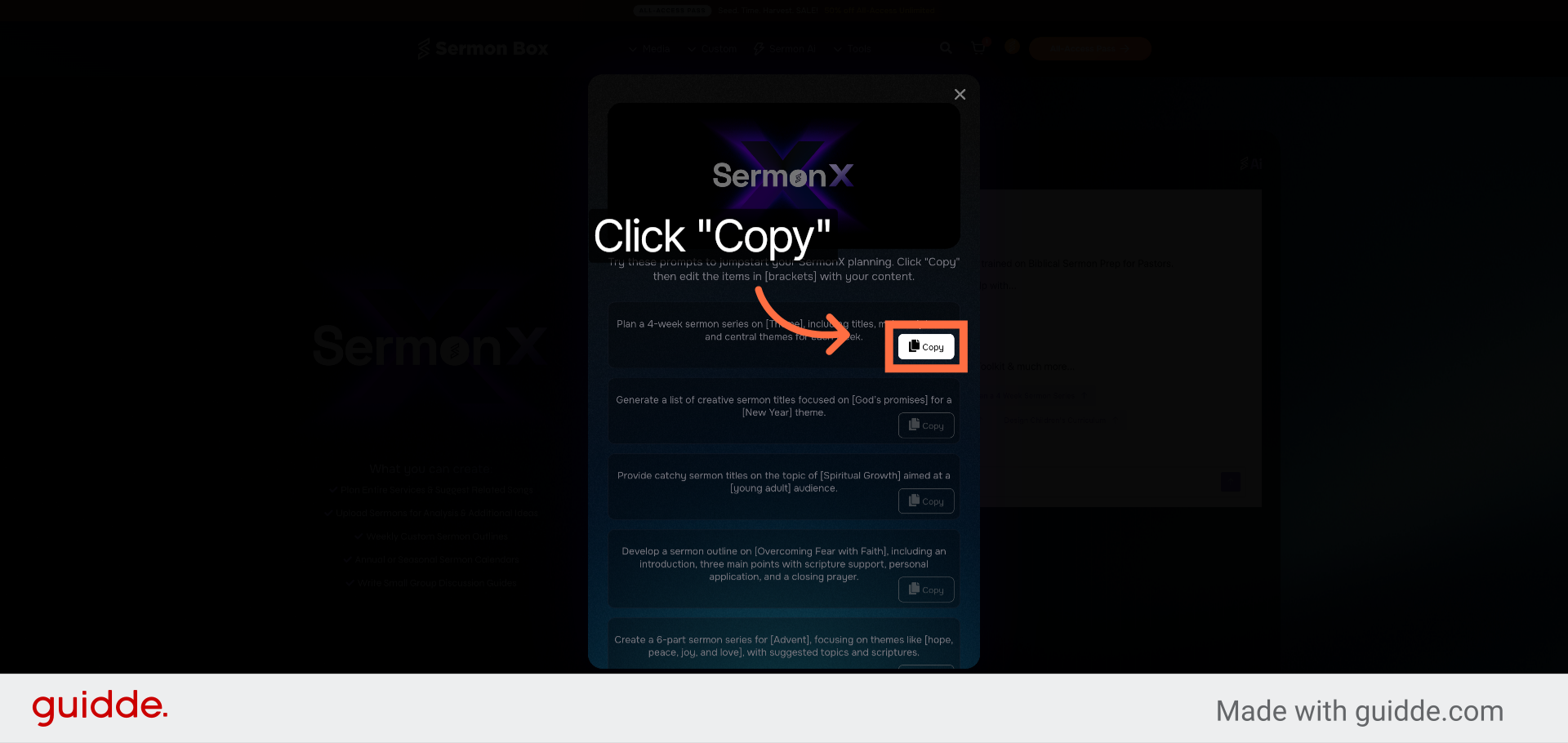
6. Copy Sample Prompt
Click "Copy" to copy a sample prompt for use in your sermon planning.
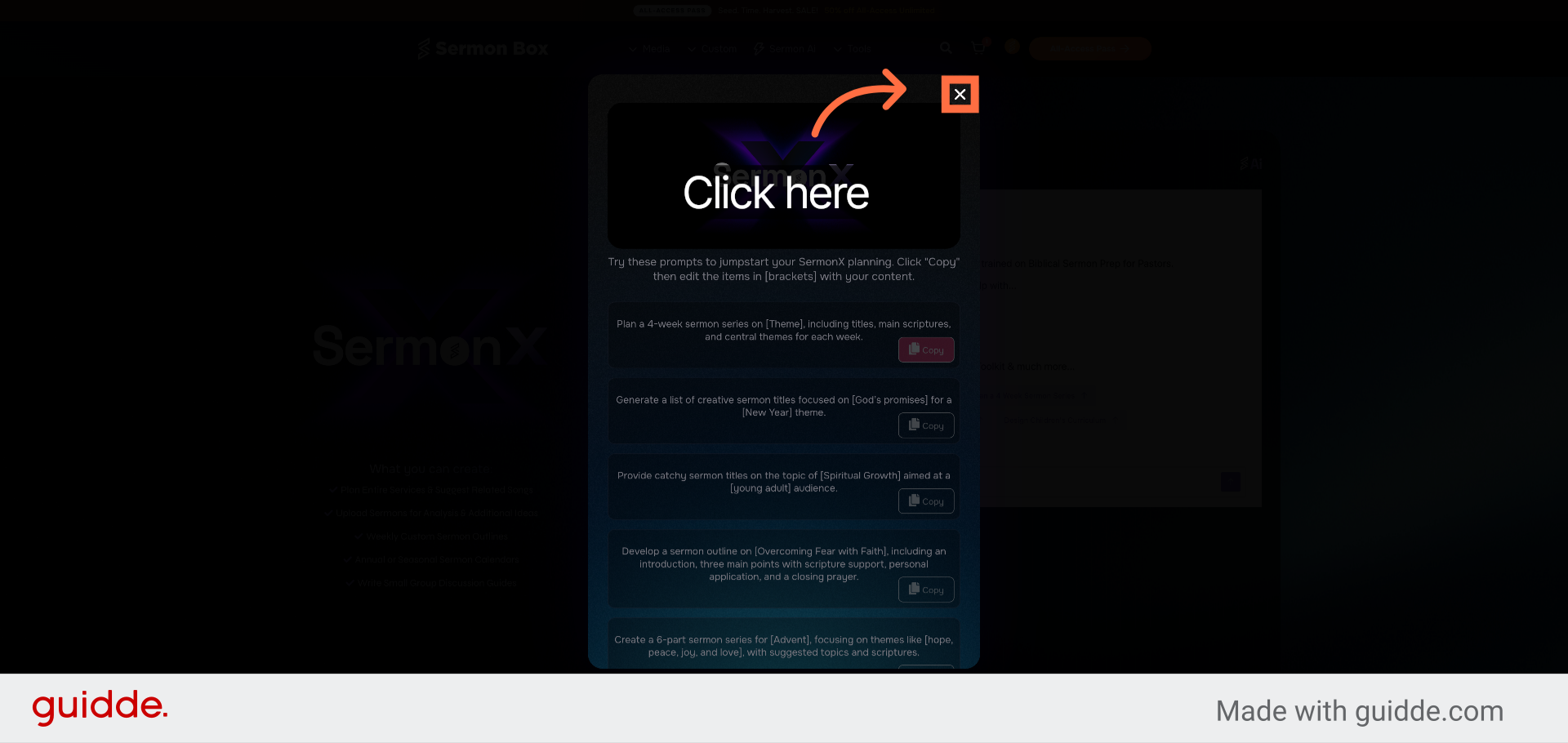
7. Return to Previous Screen
Click here to go back to the previous screen after copying the prompt.
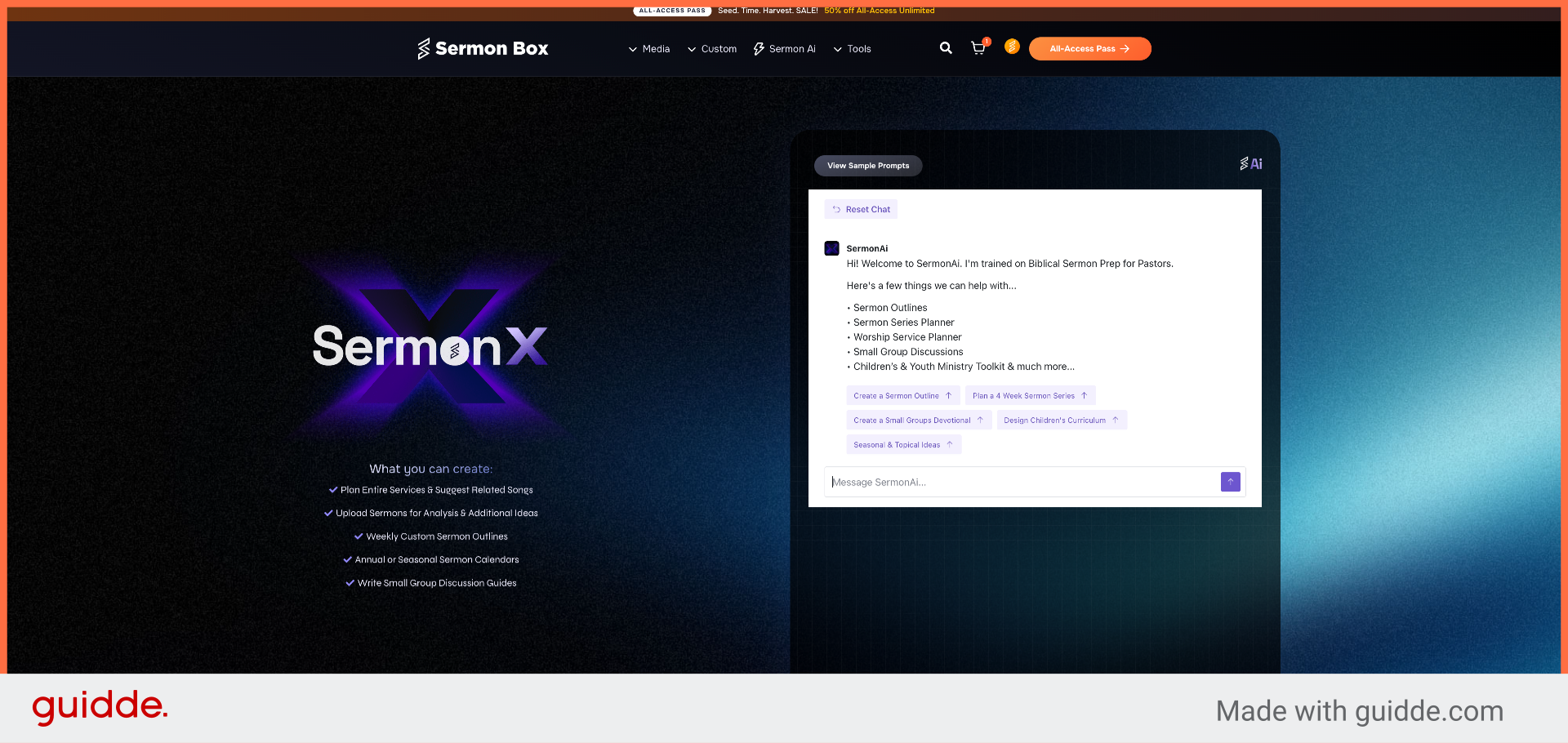
8. Open SermonAi Messaging
Click "Message SermonAi..." to start composing a new message to SermonAi.
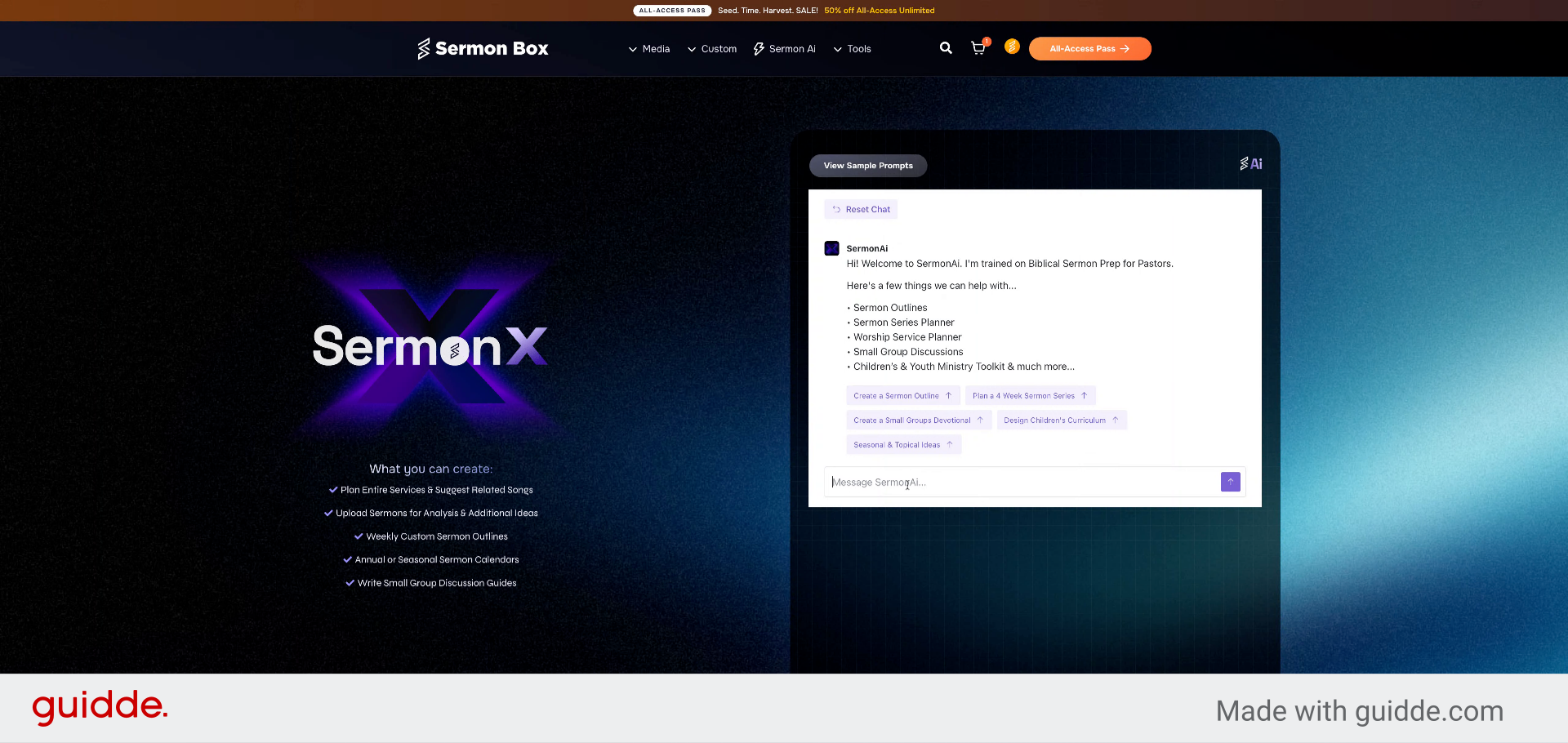
9. Enter Sermon Series Request
Fill in the message field with a request to plan a 4-week sermon series on a chosen theme, including titles, main scriptures, and central themes for each week.
10. Submit Sermon Series Prompt
Click the prompt to submit your request for planning the 4-week sermon series.
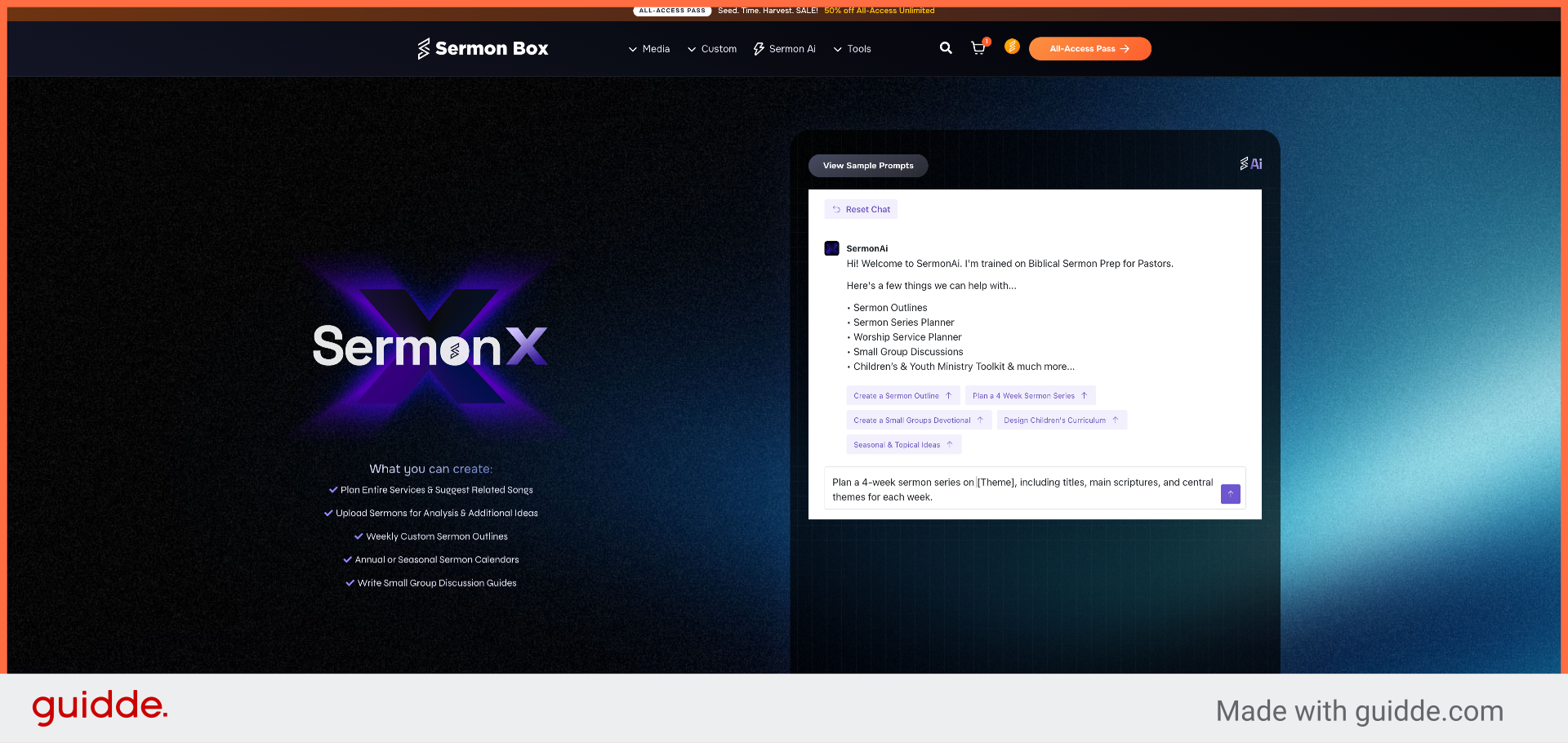
11. Specify Sermon Series Theme
Fill in the message with the specific theme, such as Grace, to tailor the sermon series content.
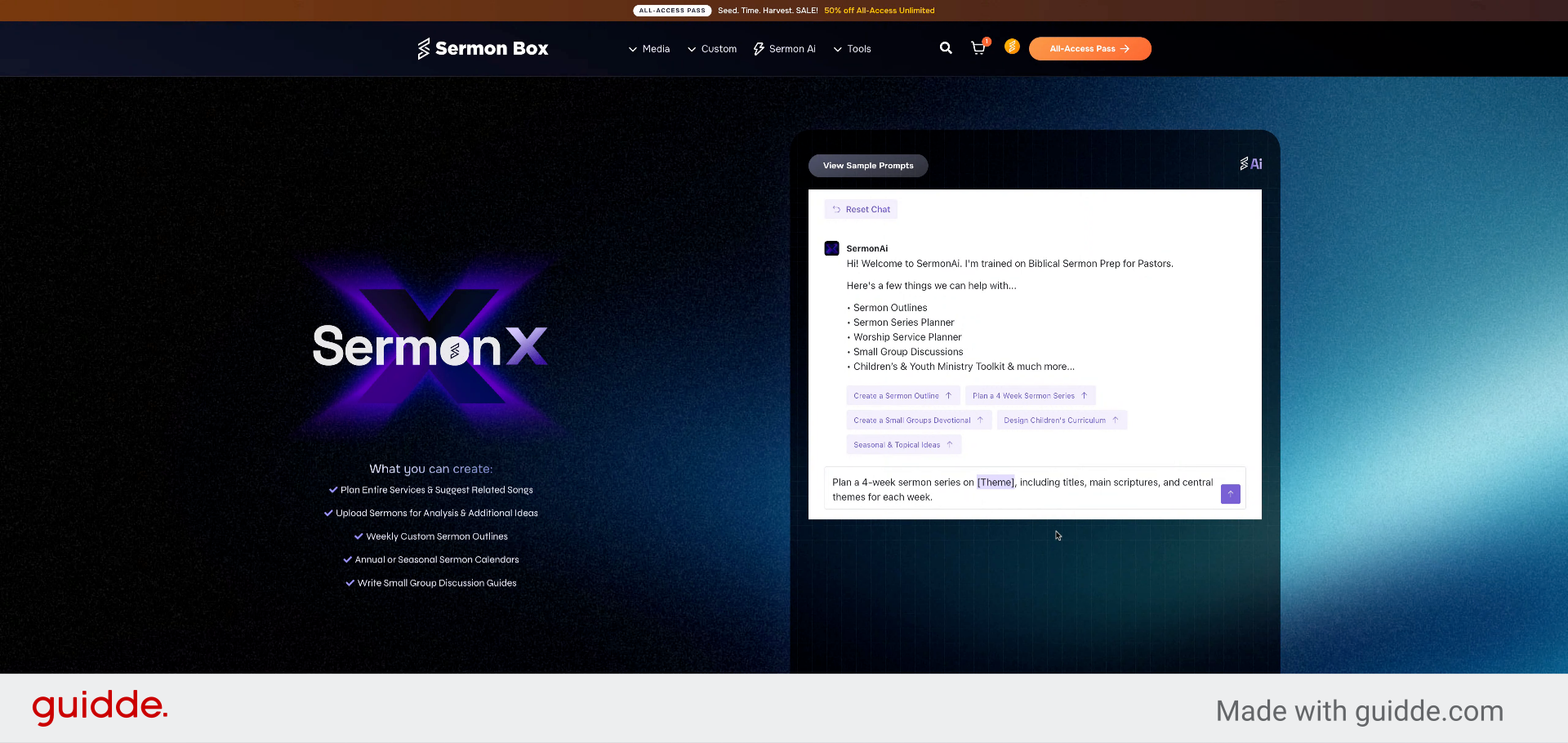
12. Proceed to Next Step
Click here to continue after specifying the sermon series theme.
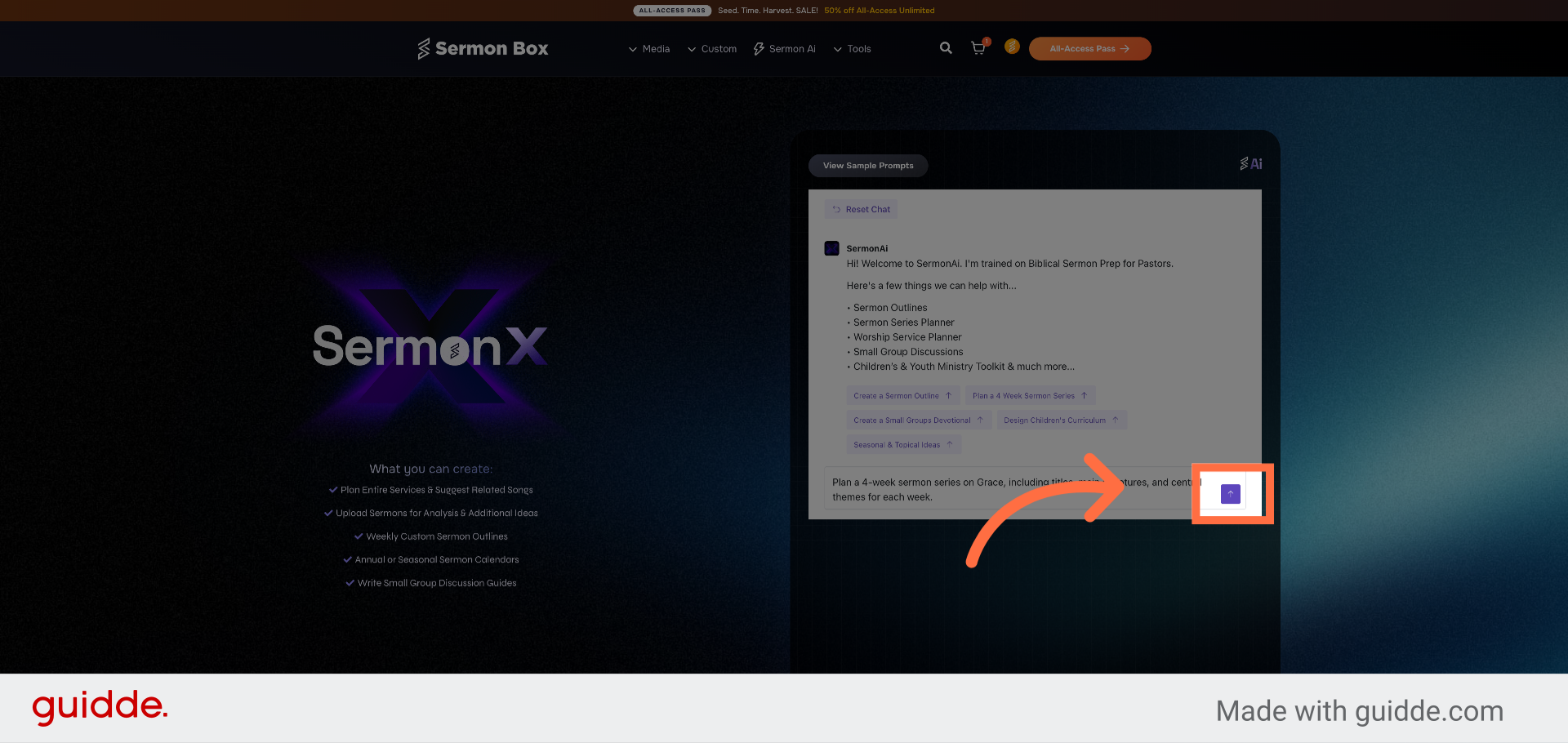
13. Create Small Groups Devotional
Click "Create a Small Groups Devotional" to generate devotional content for small groups.
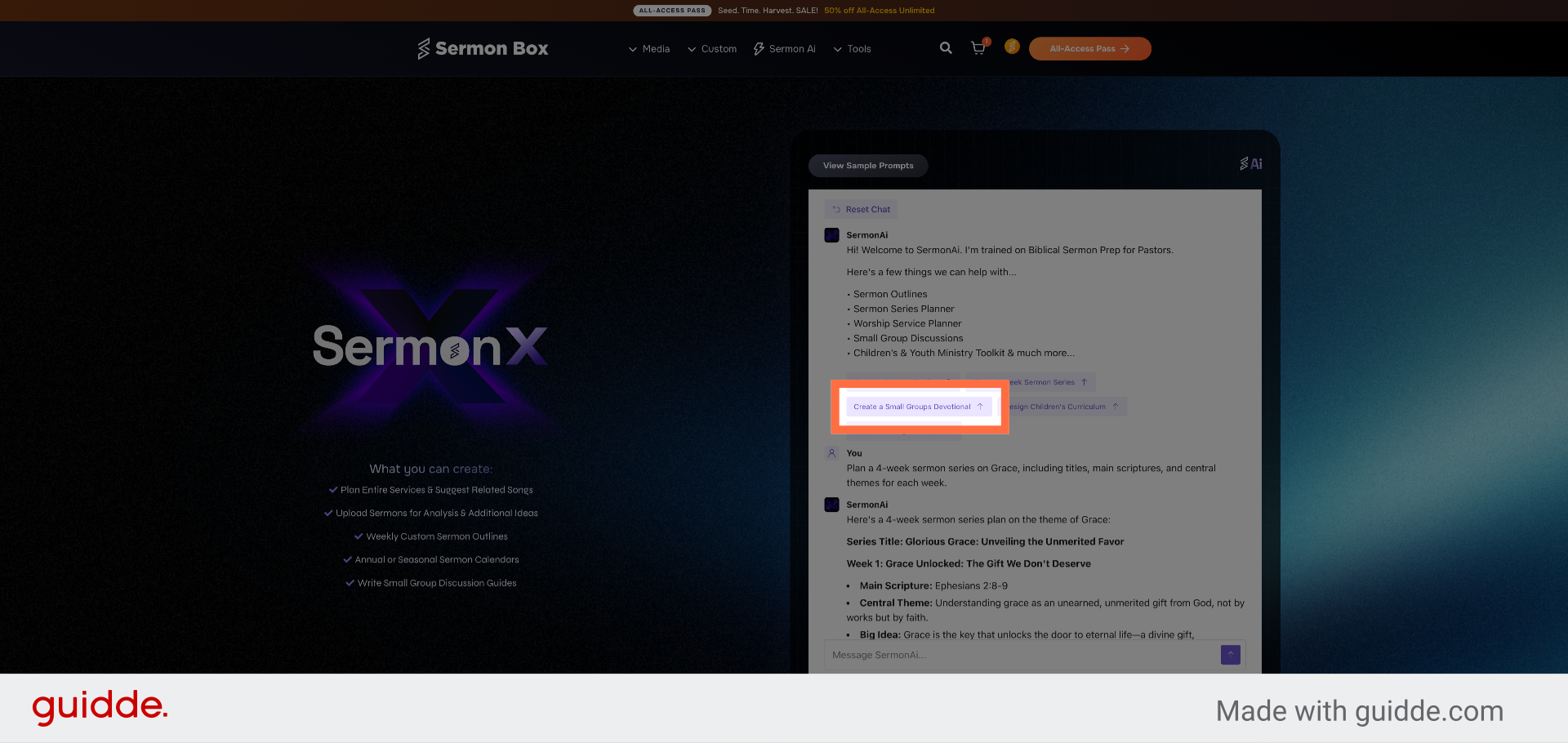
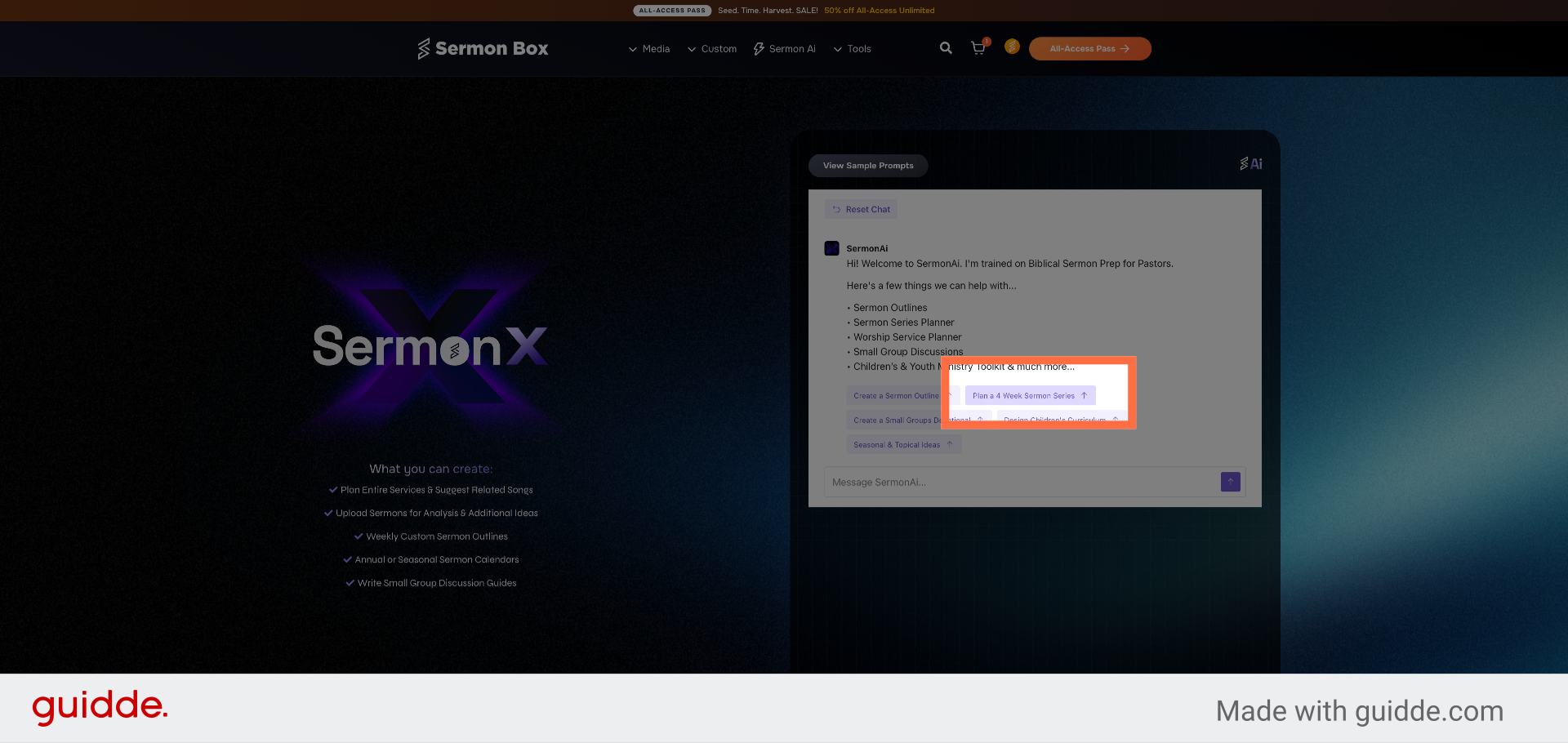
14. Select Sermon Series Planning
Click "Plan a 4 Week Sermon Series" to initiate planning for a new sermon series.
15. Open SermonAi Messaging Again
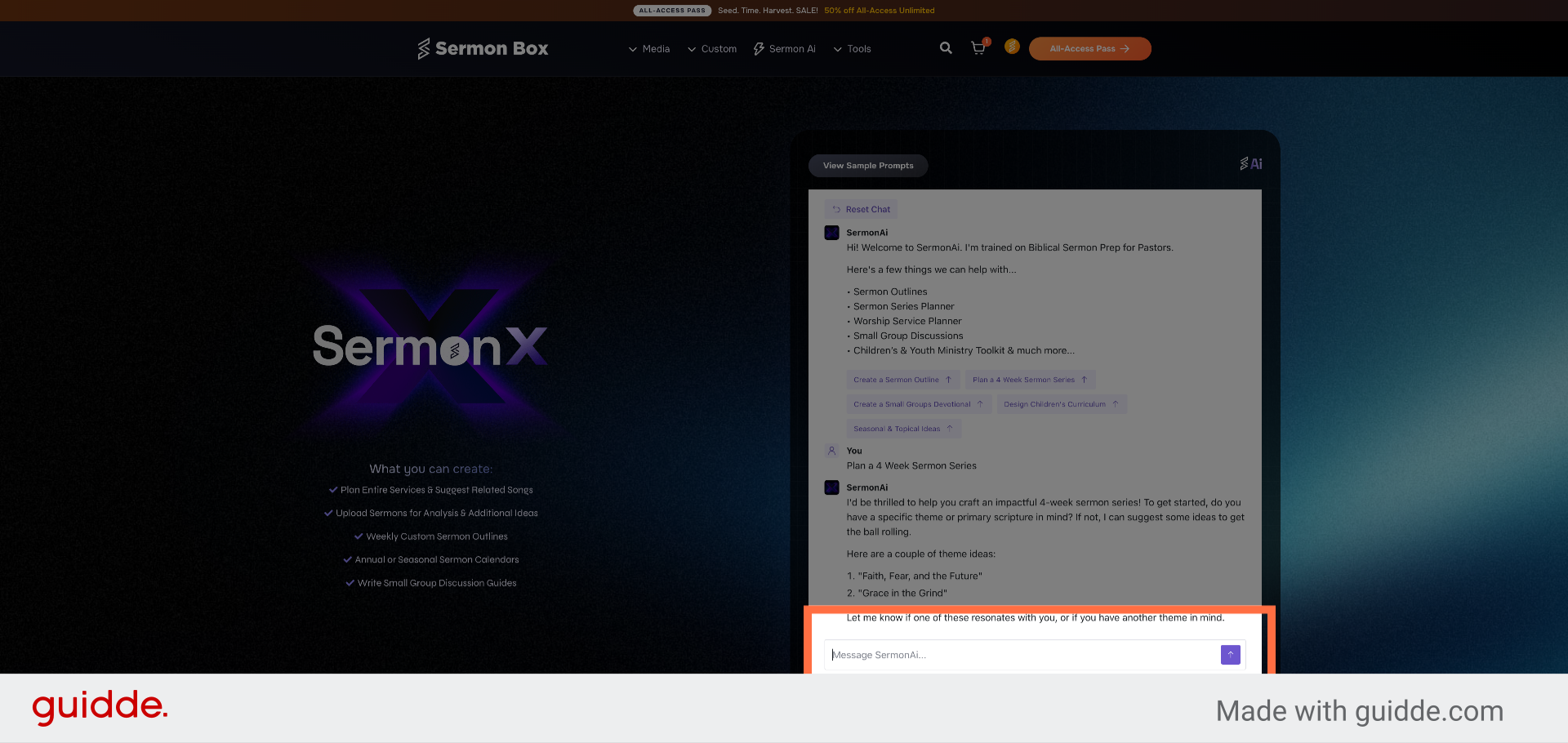
Click "Message SermonAi..." to compose another message for sermon planning.
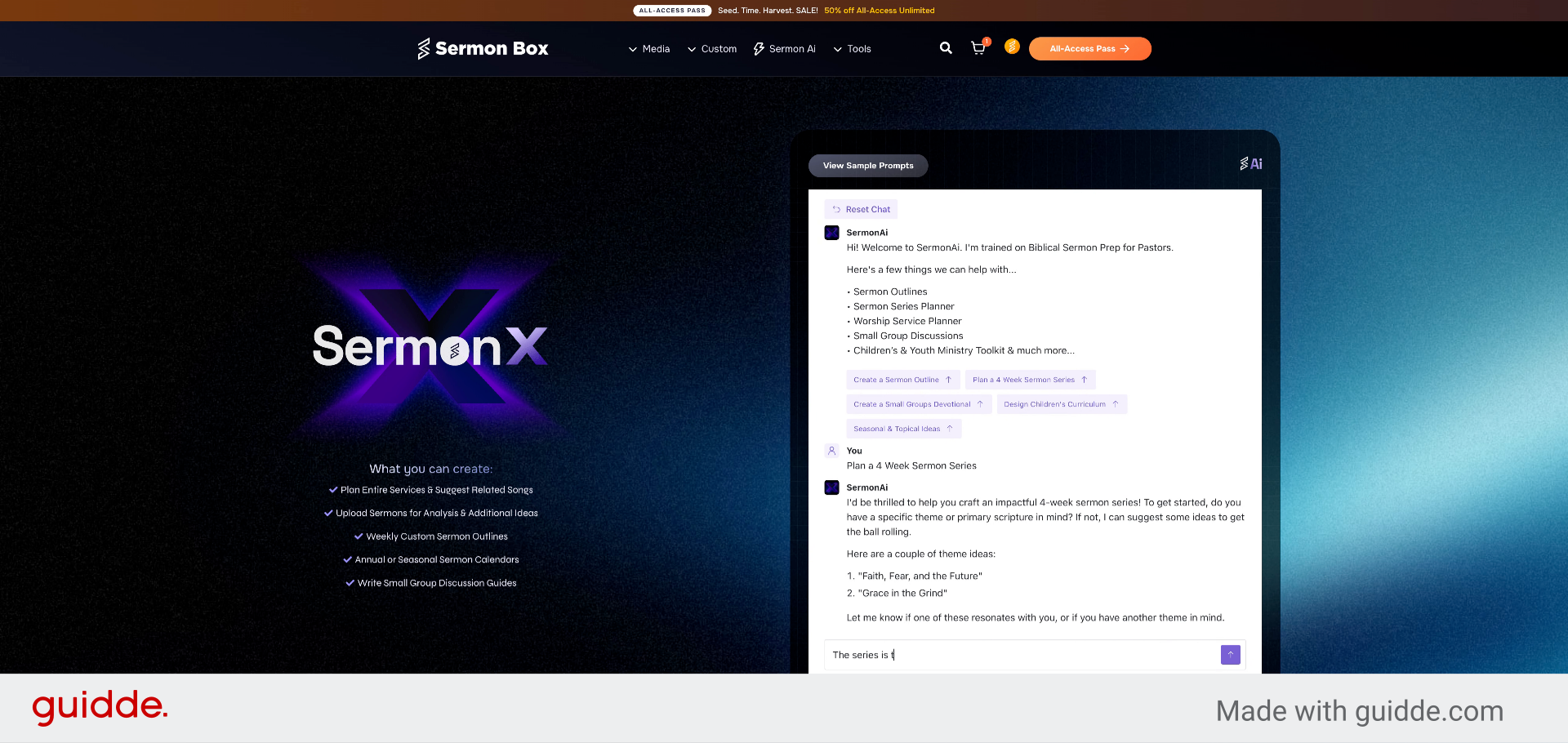
16. Title the Sermon Series
Fill in the message with the series title, such as Grace in the Grind, to personalize your sermon series.
17. Review and Ask for revisions of the Generated Content
Go here to return to the main interface after completing your sermon series setup.
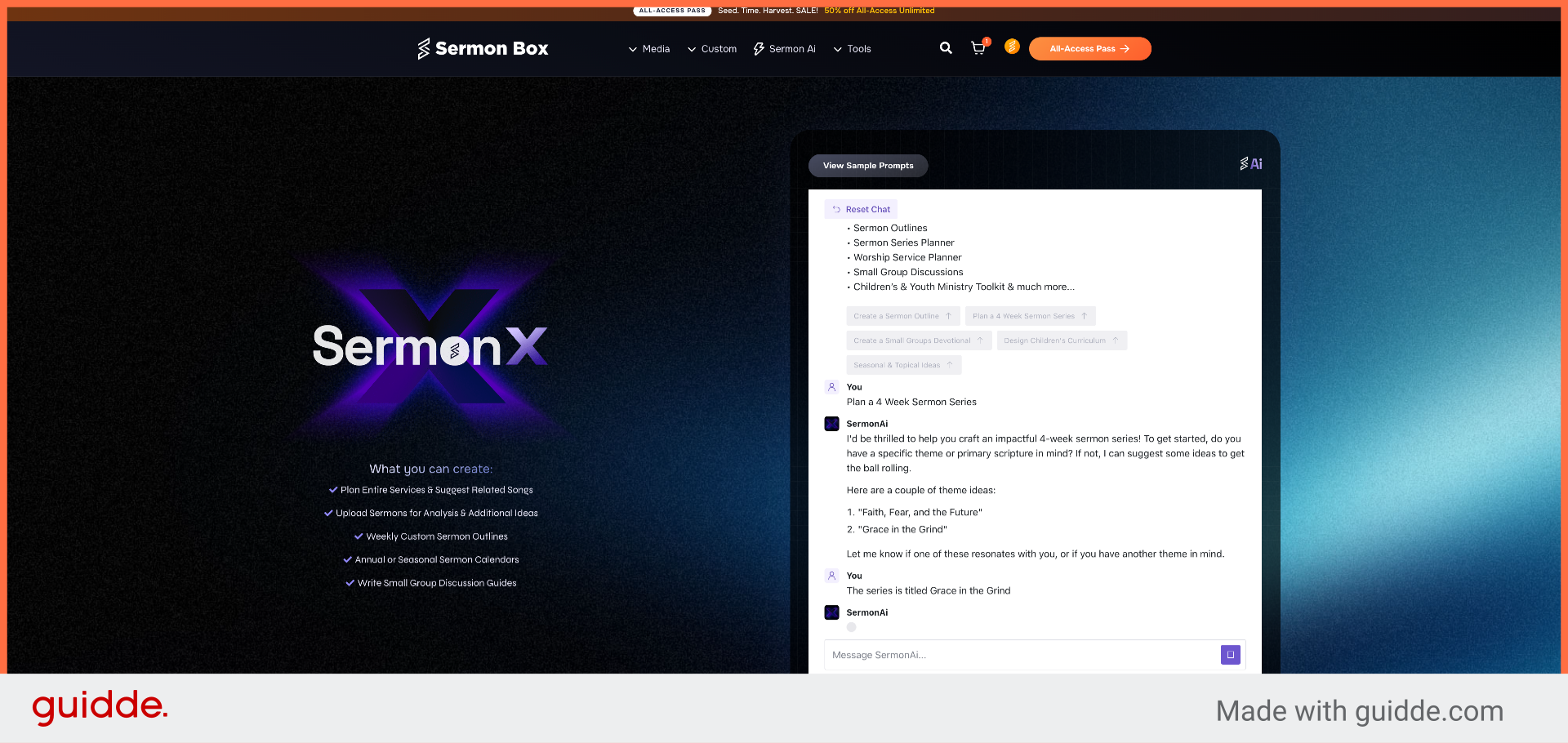
You have successfully accessed SermonAi within Sermonbox and created a customized 4-week sermon series, including devotional content for small groups. To verify success, confirm that your sermon series and devotional materials are visible in your SermonAi dashboard. For further assistance, explore additional SermonAi features or consult the help resources.
Related Articles
Access and Generate Sermon Notes
Access and Generate Sermon Notes in Sermonbox This tutorial guides you through accessing the Sermon Notes module in Sermonbox, enabling you to view and generate sermon notes efficiently Go to sermonbox.com 1. Introduction Before starting, ensure you ...Download All-Access Packs Efficiently in Sermonbox
Download All-Access Packs Efficiently in Sermonbox This tutorial guides you through downloading all-access packs in Sermonbox Go to sermonbox.com 1. Introduction Before starting, ensure you have an active account and access to the Sermonbox platform. ...Submit Custom Sermon Series Order Using Sermonbox
Submit Custom Sermon Series Order Using Sermonbox This tutorial guides you through submitting a custom sermon series order using Sermonbox Go to sermonbox.com 1. Introduction Before starting, ensure you have your sermon details and preferences ready ...Submit Tax Exemption Forms
Submit Tax Exemption Forms Efficiently Using Sermonbox This tutorial guides you through submitting a tax exemption form using Sermonbox Go to sermonbox.com 1. Introduction You will learn how to access the E-595E form, fill in your personal and ...Navigate and Manage Account Area Features in Sermonbox
Navigate and Manage Account Area Features in Sermonbox This tutorial guides you through navigating the Account Area in Sermonbox, enabling you to manage your orders, subscriptions, personal details, and payment methods efficiently Go to sermonbox.com ...